
Creator guideVideo editing & clips
OpusClip
Repurpose longer recordings into short clips with AI-assisted selection and reframing. It is most useful when the source already contains clear, self-contained moments.
Open the toolwww.opus.pro
What you can do
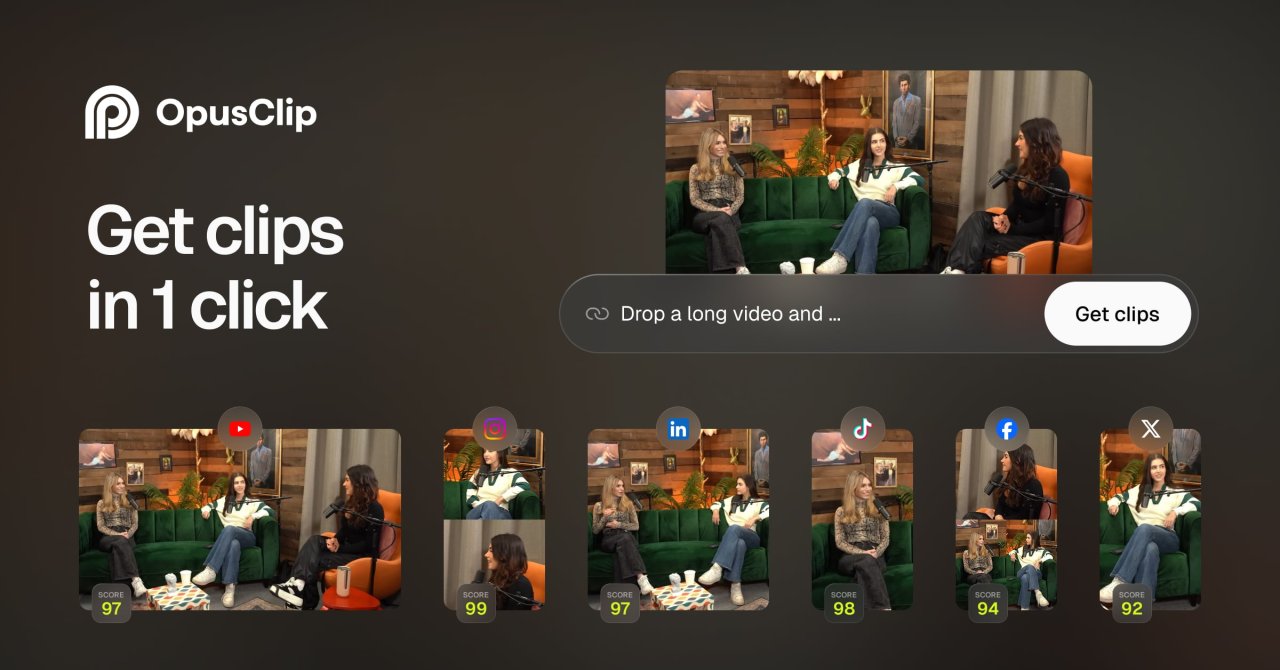
- Suggest excerpts from longer source videos.
- Reframe footage for vertical clips.
- Add captions and prepare short-form outputs.
A practical use case
Find several useful standalone answers in a long interview and turn them into vertical clips.
How to use it
Provide the source
Upload or import a supported video you have permission to use.
Review candidate clips
Check each cut for context, pacing and speaker framing.
Finish the clips
Correct captions and verify export or publishing options.
Workflow illustration · not a product screenshot
Limits & things to check
- An automated score is not a forecast of actual audience performance.
- Processing credits, source length, exports and publishing features depend on plan.
Questions before you start
Can it choose the final editorial cut?
Treat its suggestions as a starting point; check meaning and context yourself.
Will every long video produce good shorts?
No. Strong short clips need a clear idea that works independently.
Other options to compare
These options cover related tasks; their features and licensing differ.