
Creator guideVideo editing & clips
Descript
Edit spoken audio and video through a transcript. It suits interview and narration workflows where fixing wording and structure is easier than finding every cut on a timeline.
Open the toolwww.descript.com
What you can do
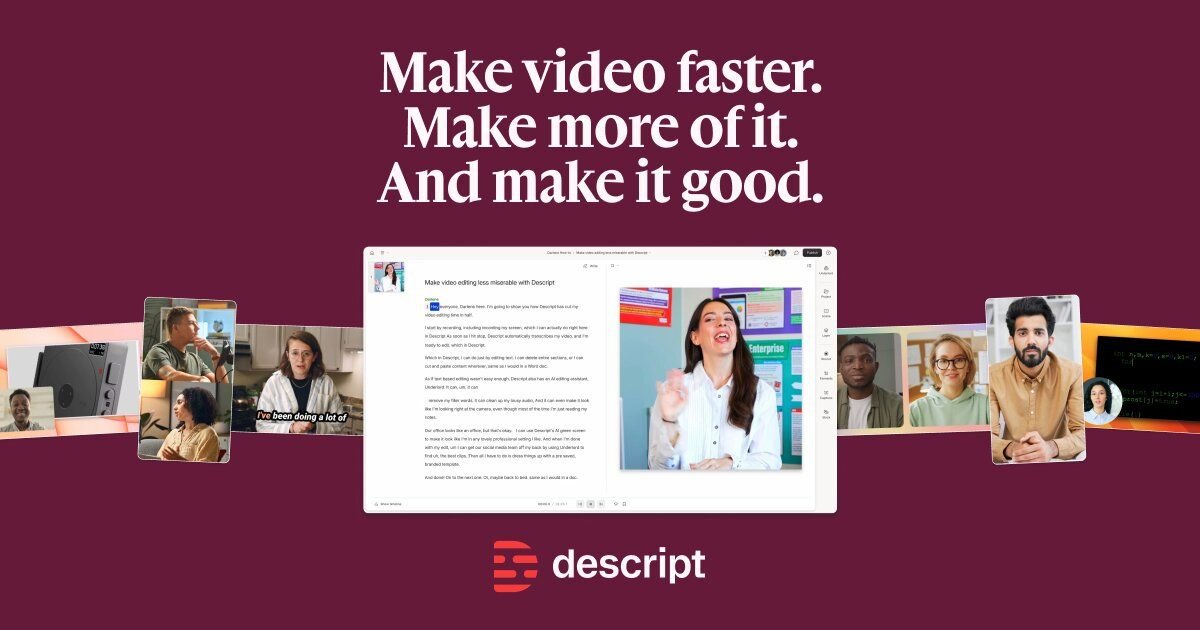
- Transcribe recordings for text-based editing.
- Rearrange spoken content and prepare captions.
- Use available audio-cleanup and production tools.
A practical use case
Shorten a spoken tutorial by removing repeated explanations while preserving the original meaning.
How to use it
Import a recording
Add a supported audio or video file.
Edit the transcript
Correct recognition errors before removing or rearranging sections.
Listen and export
Check cut points, speaker context and the final audio throughout.
Workflow illustration · not a product screenshot
Limits & things to check
- Transcript-based edits can remove useful context or create awkward audio joins.
- Media hours, AI credits and export capabilities vary by plan.
Questions before you start
Does changing the text change the media?
Text-based editing is a core workflow; review the resulting audio and video cuts.
Does cleanup replace a good recording?
No. A clear source recording still gives the best editing starting point.
Other options to compare
These options cover related tasks; their features and licensing differ.