
Creator guideTitles, tags & SEO
Keyword Tool
Find YouTube search phrases using autocomplete suggestions. It helps translate a broad topic into specific wording for research, titles and relevant metadata.
Open the toolkeywordtool.io
Best suited to
Creators planning searchable tutorials, reviews and explainers.
Platforms in this directory
Research date
What you can do
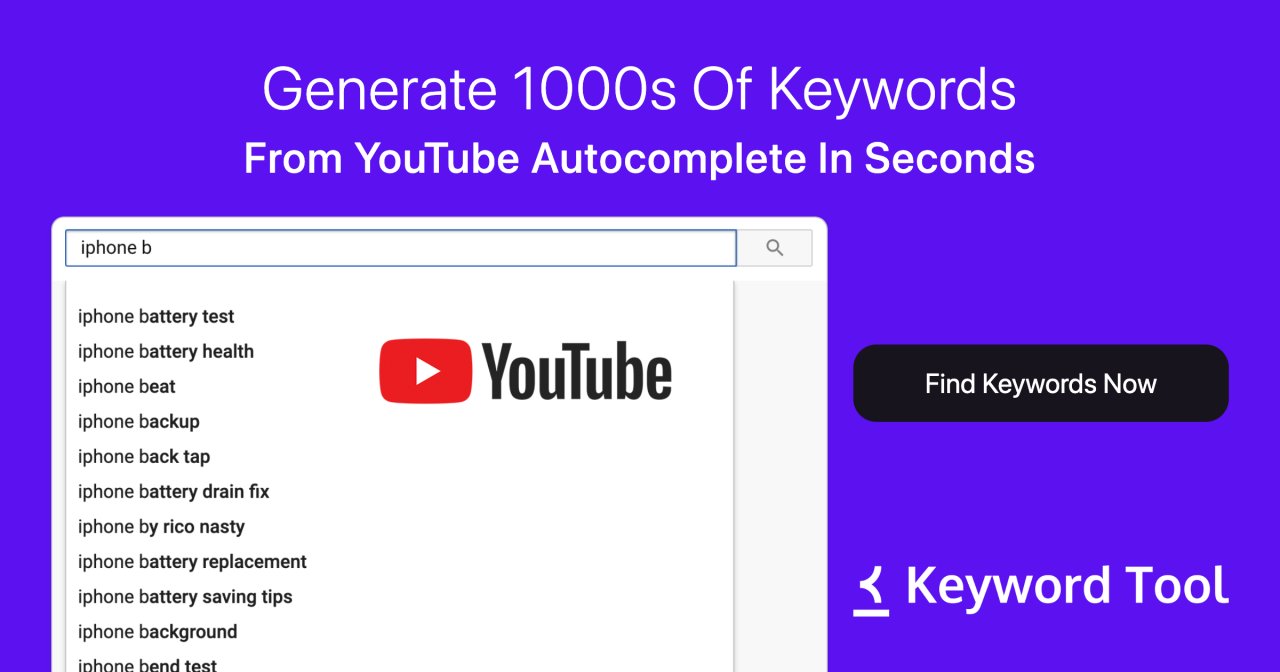
- Generate long-tail YouTube keyword suggestions.
- Adjust country and language.
- Compare additional keyword metrics when the plan provides them.
A practical use case
Find the wording beginners use when searching for a specific software tutorial.
How to use it
Select YouTube
Enter a seed phrase relevant to the video.
Localize the results
Choose the market and language your viewers use.
Choose useful phrases
Keep only terms that genuinely match the content and search intent.
Workflow illustration · not a product screenshot
Limits & things to check
- Autocomplete suggestions are not exact private YouTube search counts.
- Detailed volume and other metrics may require Pro access.
Questions before you start
Should I add every suggestion as a tag?
No. Keep metadata relevant and avoid unrelated phrases.
Are the numbers exact YouTube traffic?
Treat third-party keyword metrics as research estimates.
Other options to compare
These options cover related tasks; their features and licensing differ.