
Creator guidePublishing & workflow
Plan content and schedule supported social posts from one workspace. The listed YouTube entry focuses on Shorts, while other connected networks have their own publishing rules.
Open the toolbuffer.com
What you can do
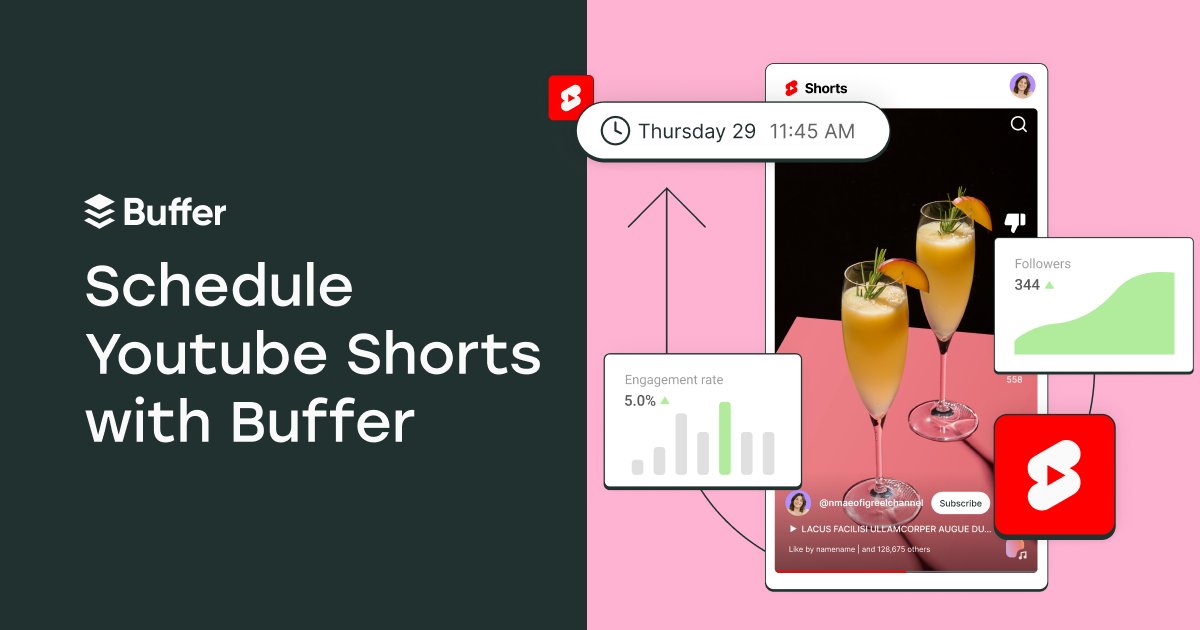
- Draft and organize upcoming content.
- Schedule supported posts for connected channels.
- Manage posting times and collaboration where the plan allows.
A practical use case
Plan a week of Shorts and social posts while tailoring each caption and publishing time.
How to use it
Connect the right account
Confirm the network, account type and permissions.
Tailor the scheduled post
Adapt the caption and media for that destination.
Check the schedule
Preview the time zone and verify whether publishing is automatic or reminder-based.
Workflow illustration · not a product screenshot
Limits & things to check
- Publishing support differs by network, format and account type.
- Connected channels, queued posts and team features depend on plan.
Questions before you start
Can I publish every format automatically?
No. Check the supported network and format before scheduling.
Should I reuse one caption unchanged everywhere?
Adapt the hook, links and formatting to each platform.
Other options to compare
These options cover related tasks; their features and licensing differ.